 Hemma
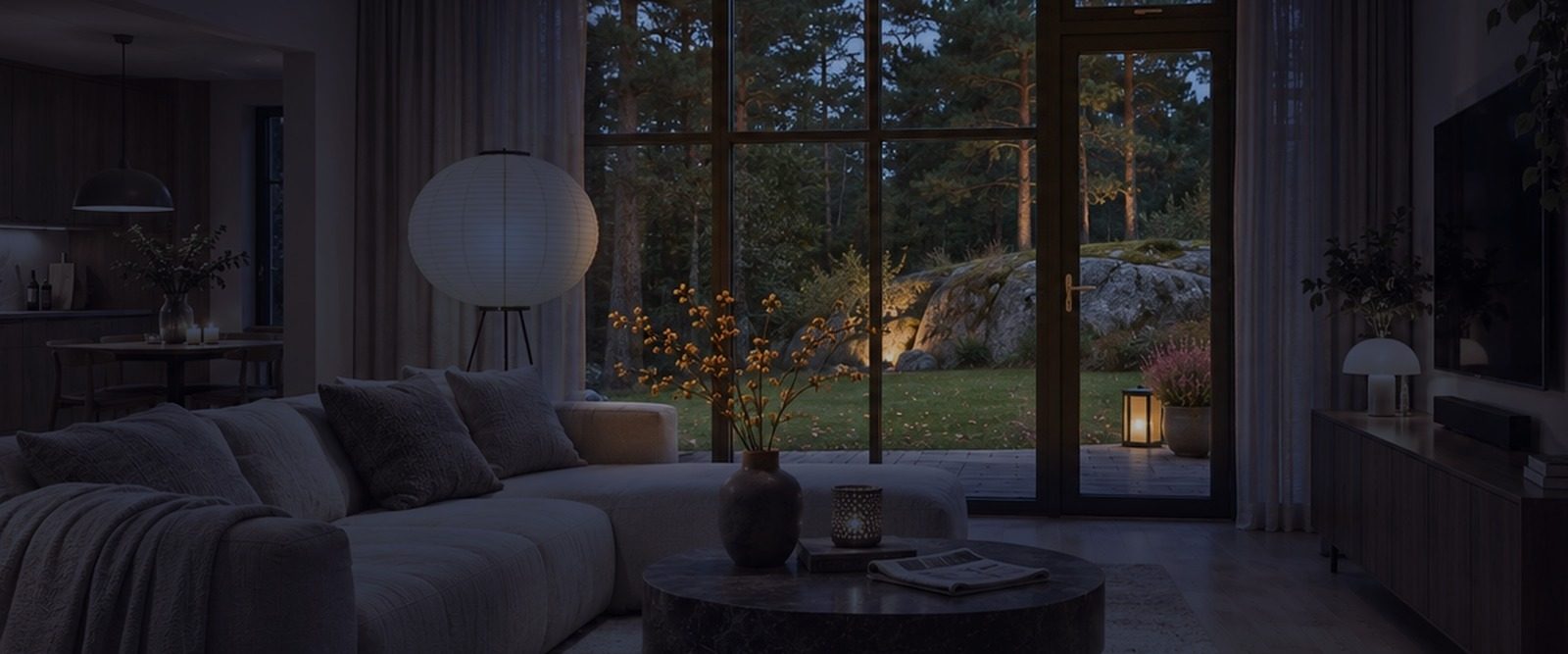 Lights off
01
Take one photo
Photograph the room with every light off, from where the iPad sees it best.
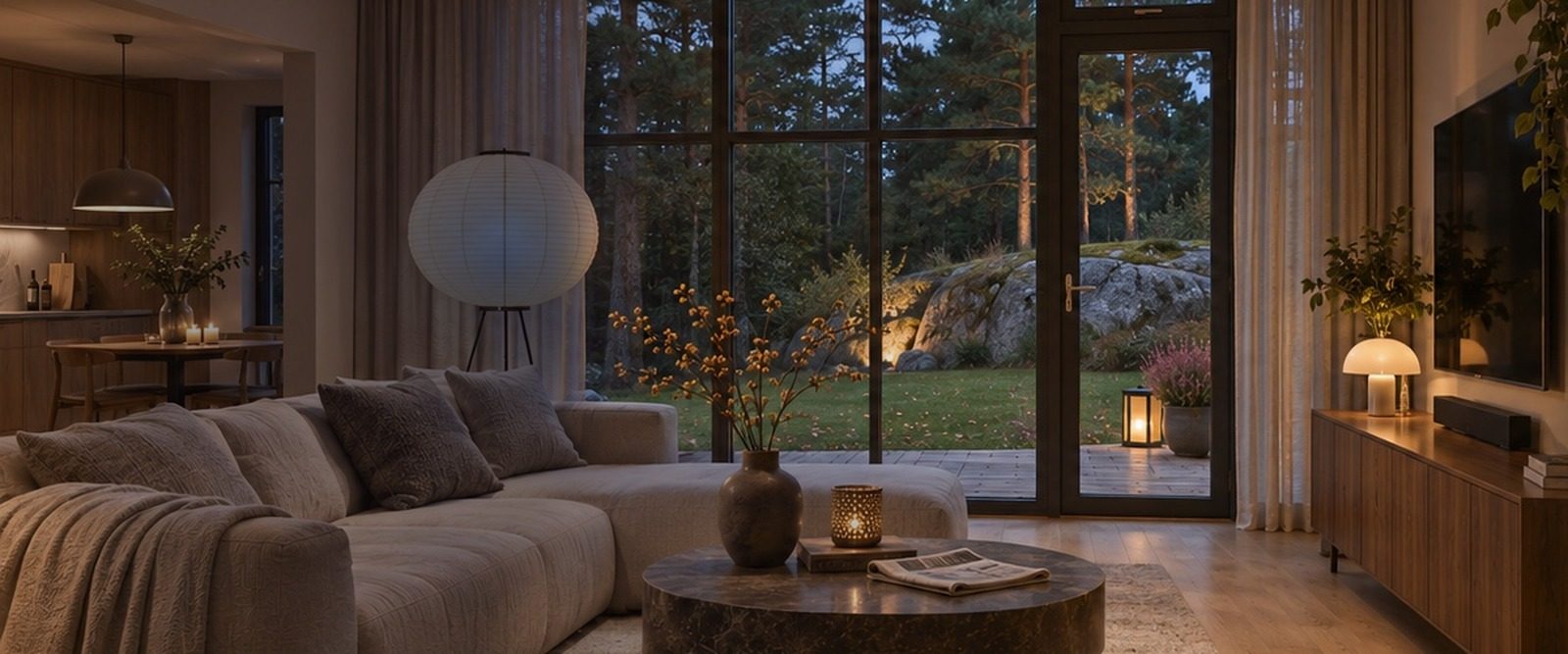
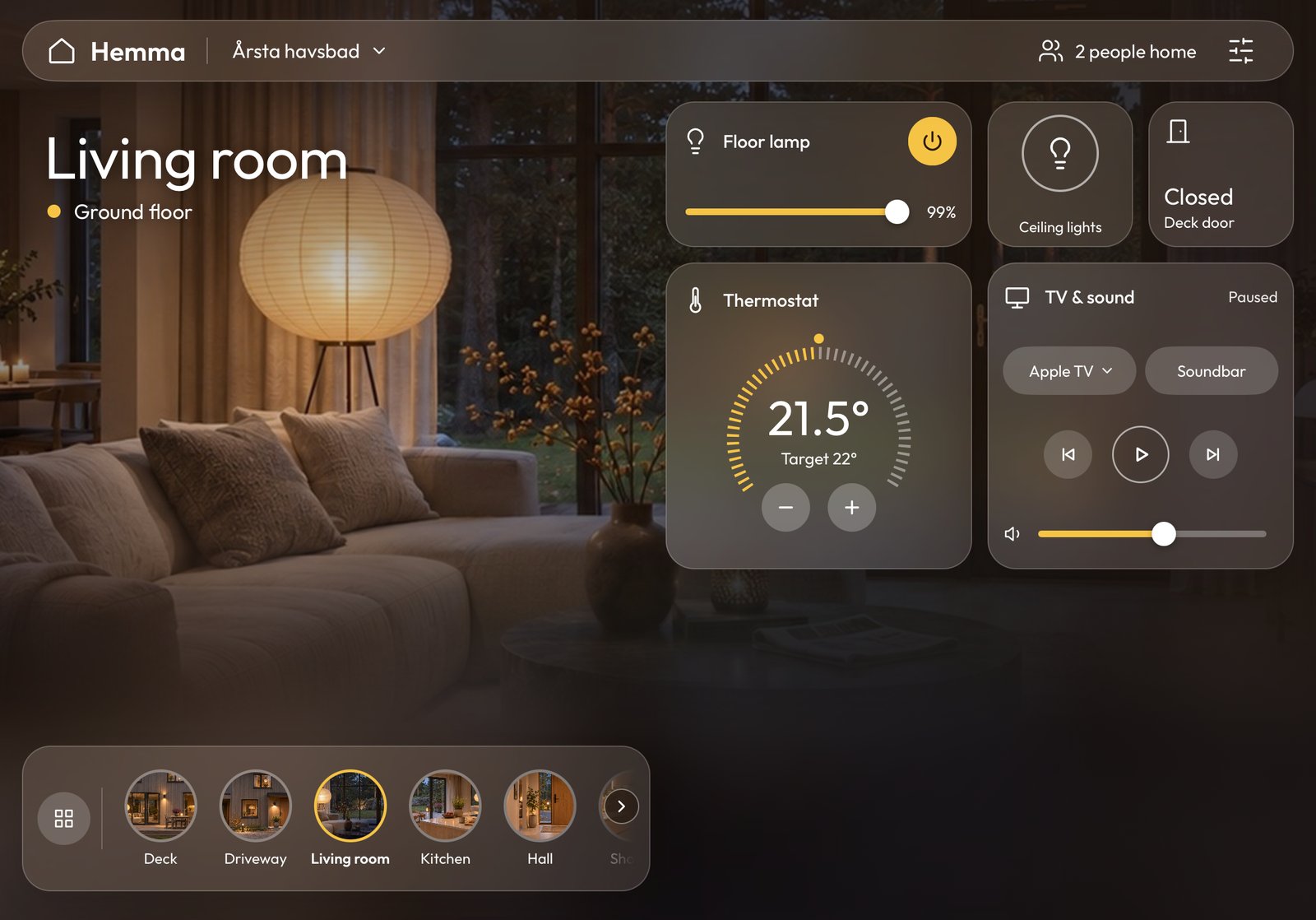
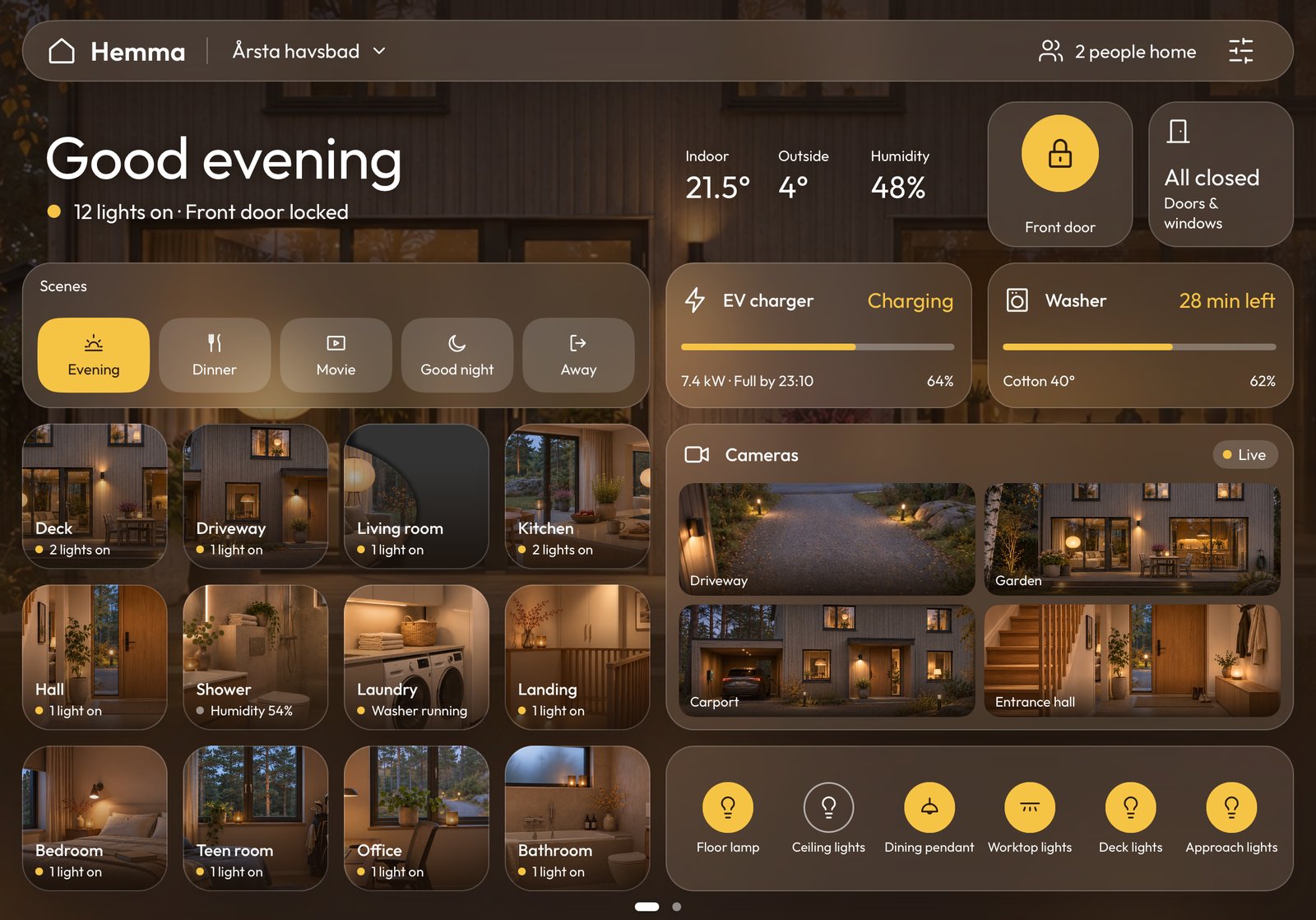
Hemma turns an iPad into a calm, beautiful control panel for Apple Home. Turn on a lamp, and it lights up in a photo of your own room.
Free for iPad. No account, no ads.
Tap a light to switch it yourself.
Every room in Hemma shows its own photograph behind the controls. Switch a room to Dynamic, and the photo follows your real lamps: on, off, and everything in between.
Lights offPhotograph the room with every light off, from where the iPad sees it best.
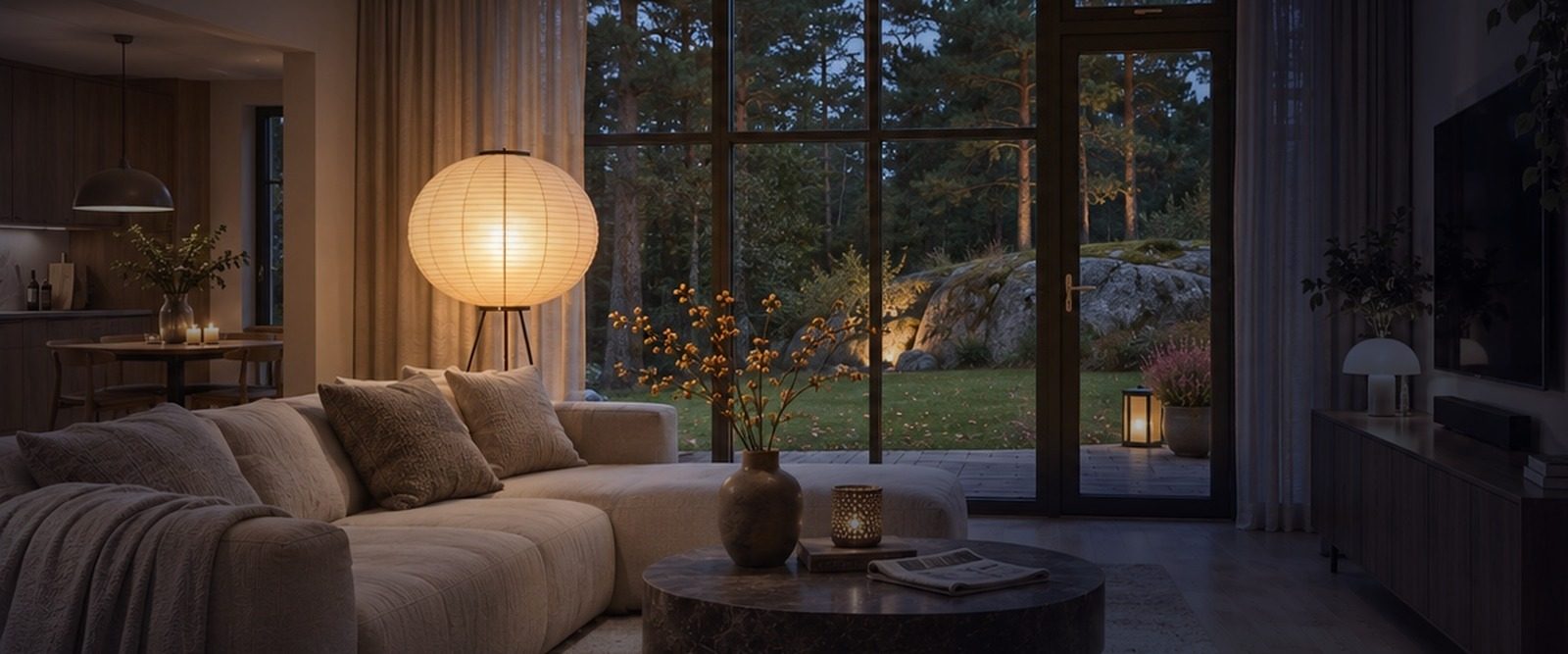 Image Playground
Pick the lamp and describe it. Apple's Image Playground draws your room with that light on, and you choose the version that looks right.
 Live
Turn the lamp on in Hemma, from Siri or from a switch on the wall: it glows in the photo, as bright as the lamp itself.
OFF · ON
Spread and Darker Parts sliders shape how far each glow reaches, so it matches your room.
No Apple Intelligence on your iPad? Take a second photo with the lamp on, from the same spot.
Prefer still photos? Give each room eight: every season, by day and by night. Hemma switches at sunrise and sunset.
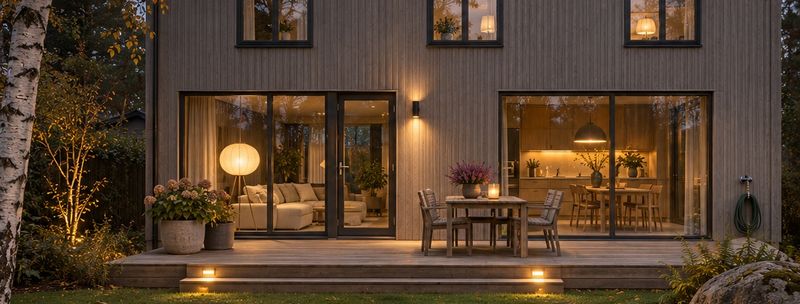
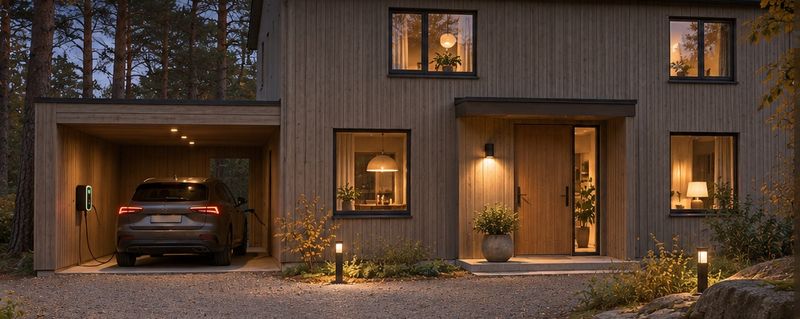
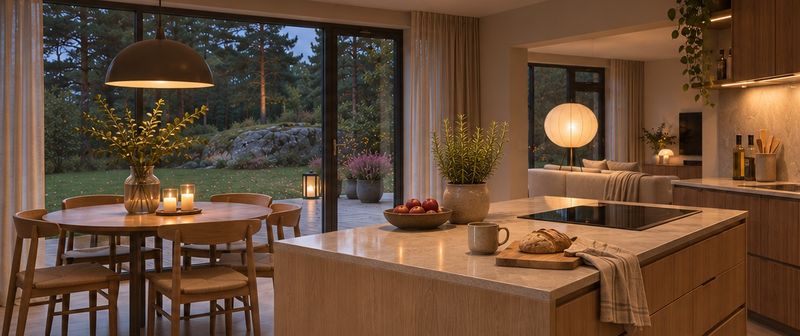
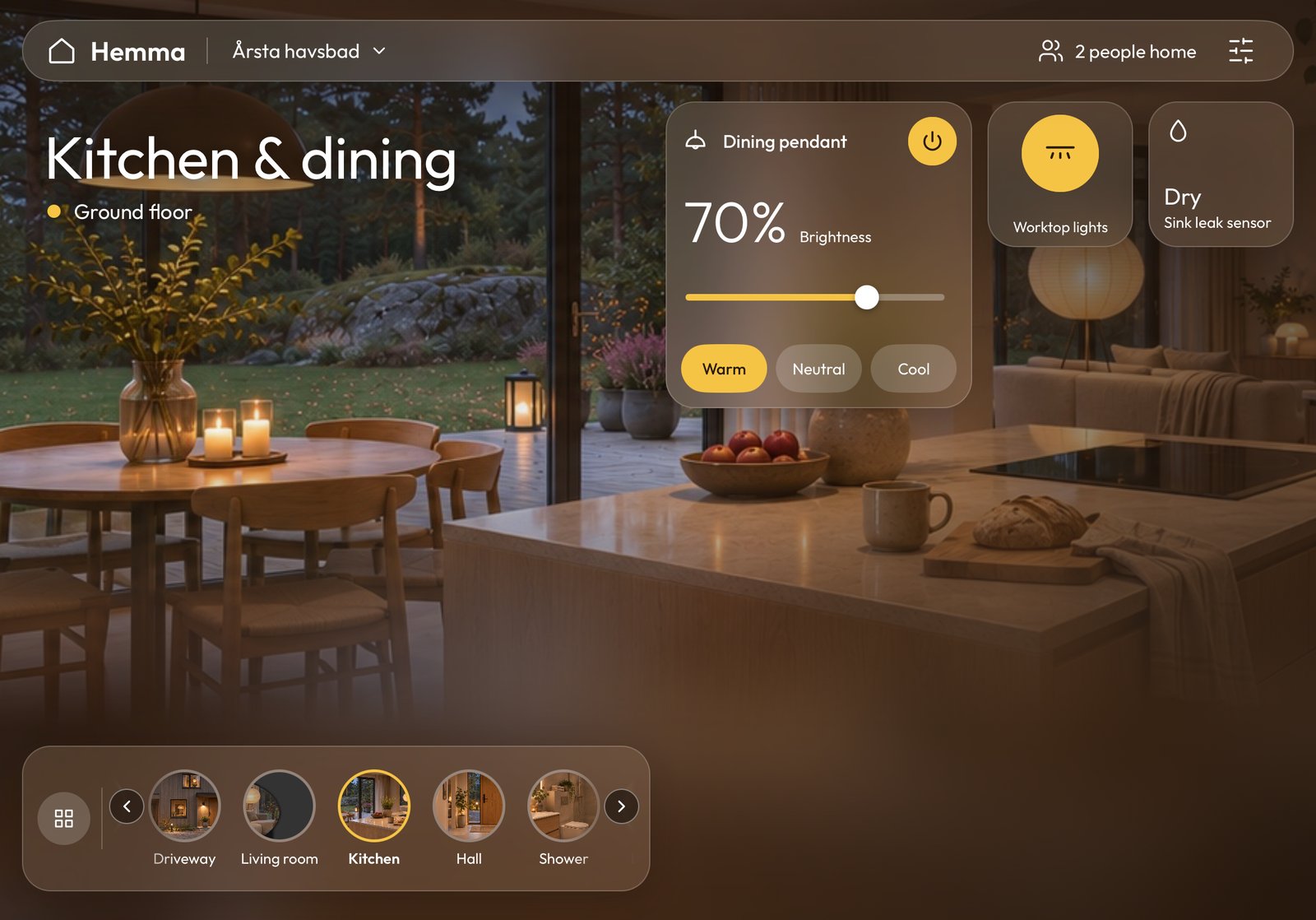
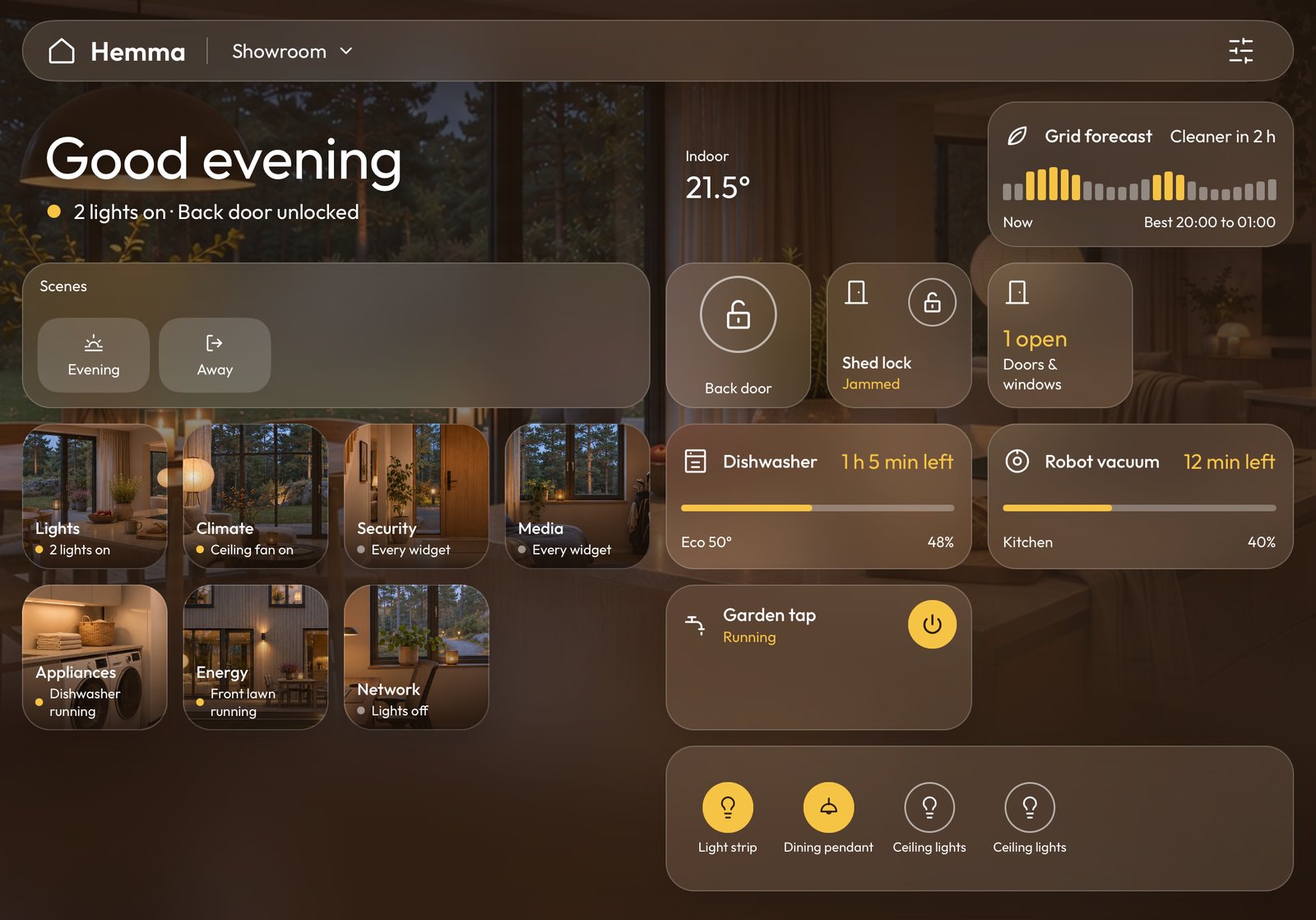
Rooms show which lights are on, what's running and what needs you, each with its own photograph. Tap one to open it.
 Deck
 Driveway
 Kitchen
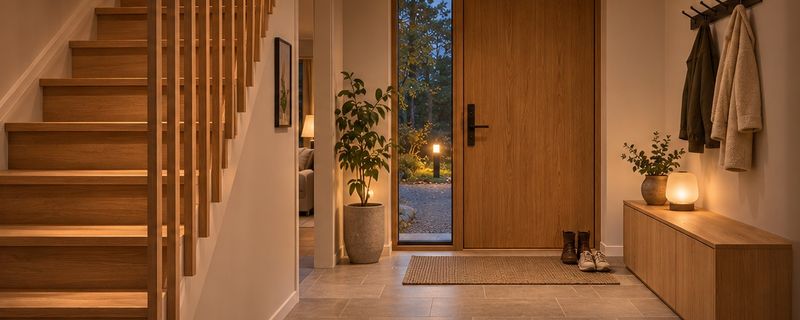 Hall
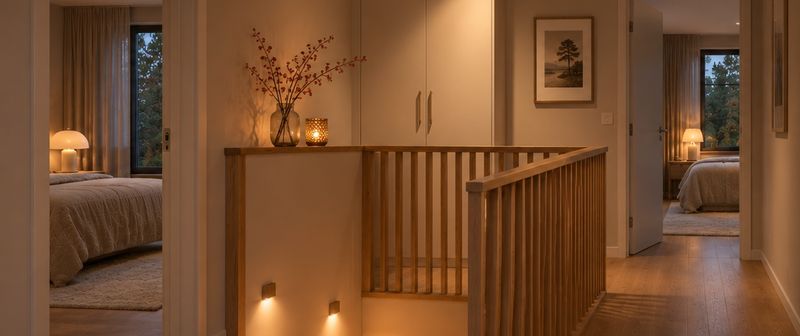 Landing
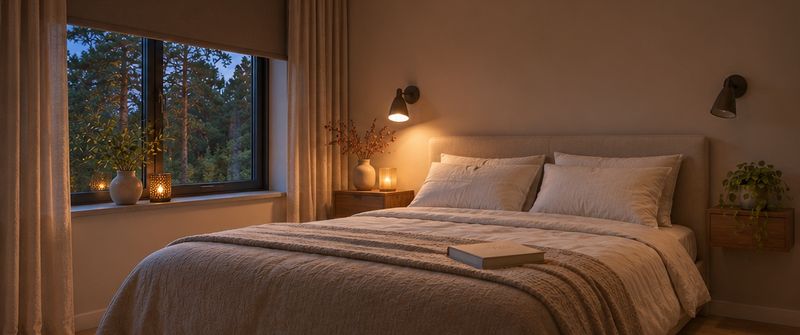 Bedroom
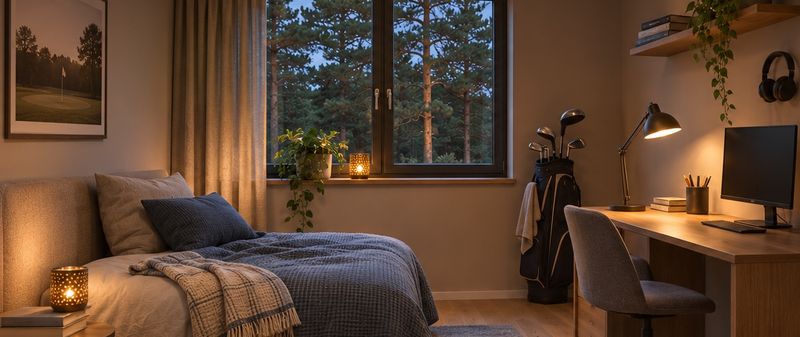 Teen room
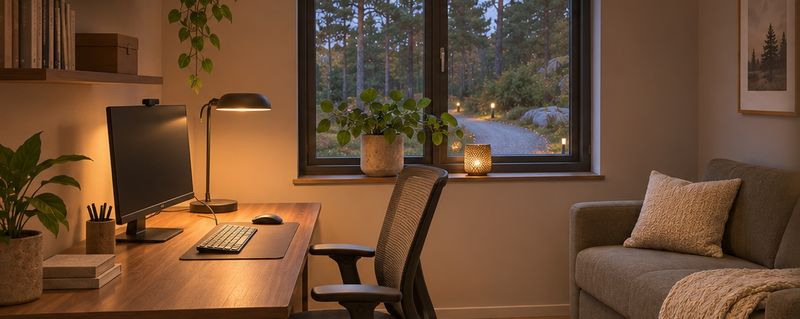 Office
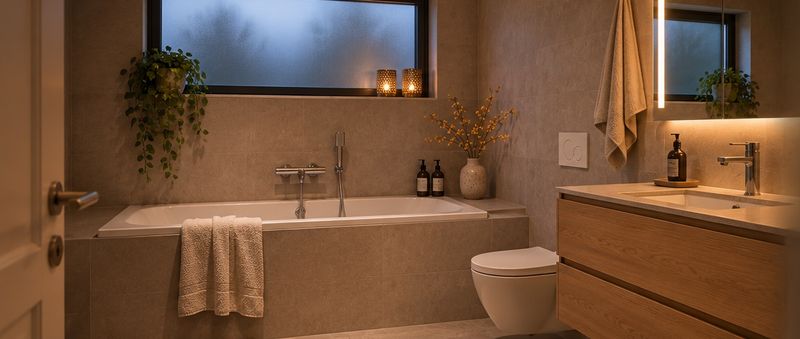 Bathroom
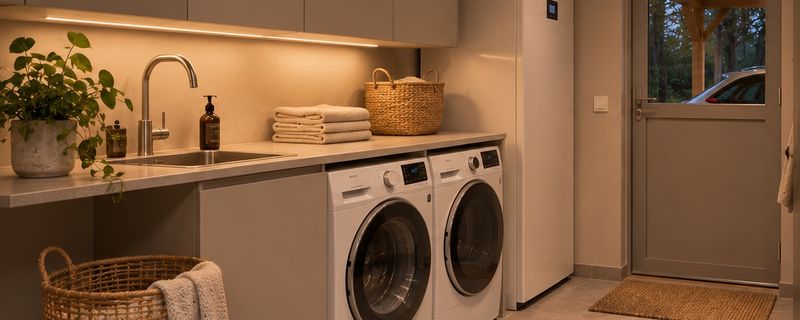 Laundry
Big, calm controls you can read from across the room, built from what's already in your Apple Home.
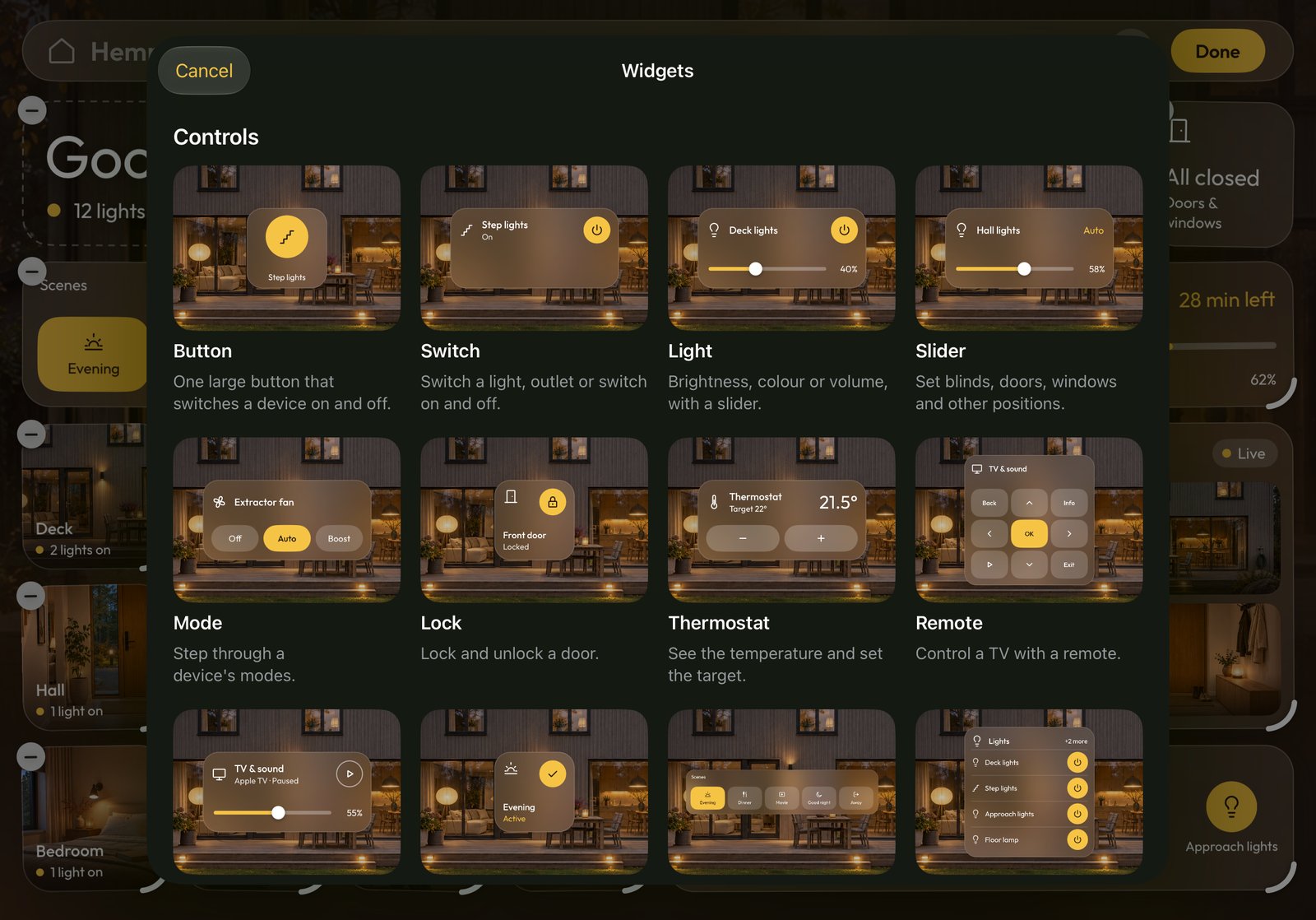
Lights, locks, thermostats, blinds, cameras, appliances and more, laid out for you. Move, resize and add widgets in edit mode.
Hemma reads your homes, rooms, scenes and accessories from HomeKit. Nothing to set up twice, and no account to make.
Make screens that aren't rooms, such as one for every camera, and swipe between them from the home screen.
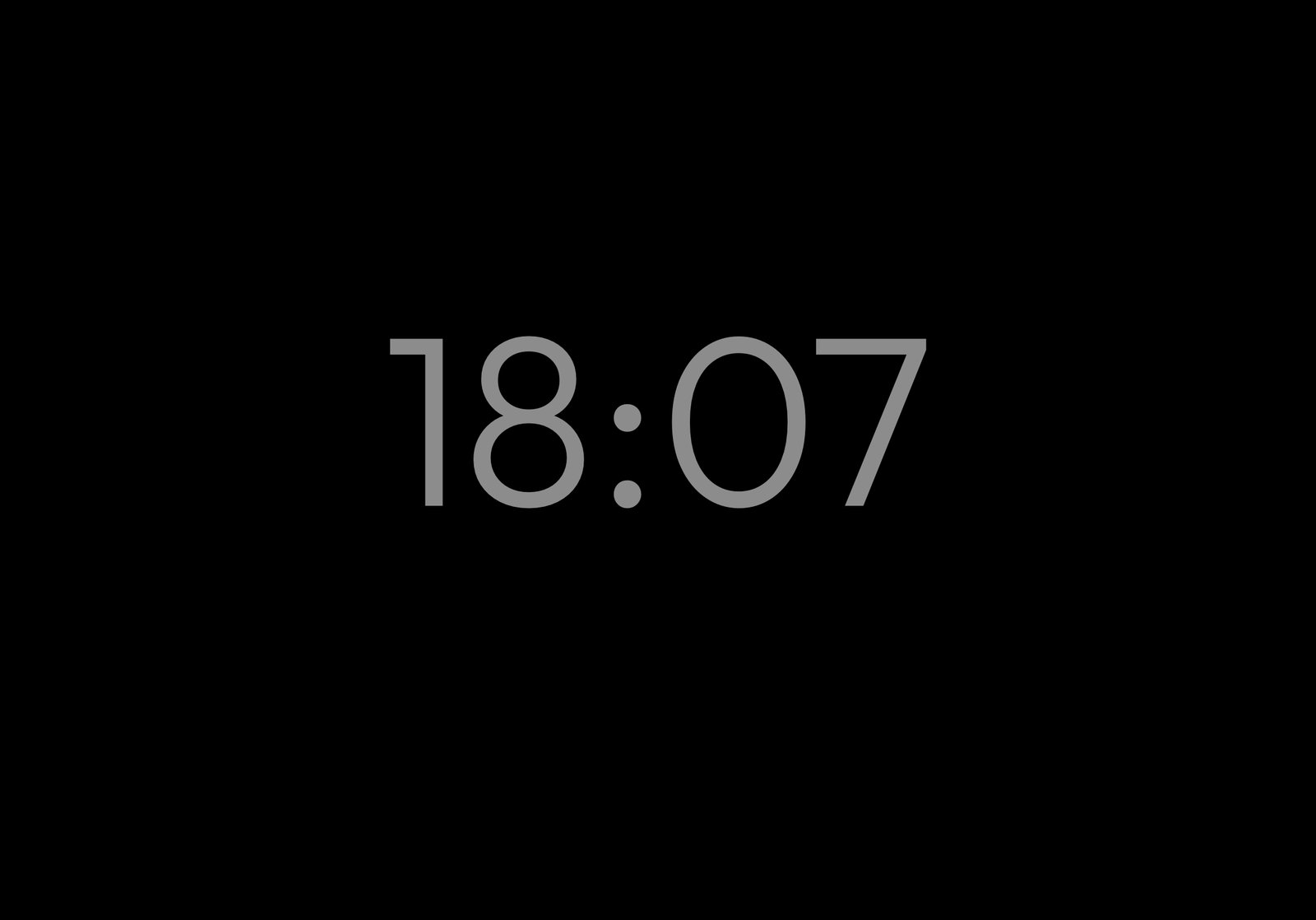
When nobody's using it, Hemma dims to a quiet clock. With wake on approach, it lights up when someone looks at it.
Lock Settings and edit mode with a four-digit PIN, so the panel on the wall stays the way you set it up.
After a while without a touch, Hemma closes what's open and returns to the screen you choose.
Hemma has no servers and no accounts. It talks to your accessories through Apple's HomeKit, on your iPad.
Hemma isn't made by a company. It's built by one developer, first for their own home, and because building it is fun. Every feature is free.
If Hemma earns its place on your wall, you can leave a tip in the app, under Settings › Support Hemma. It unlocks nothing, and it's never needed.